
AI + Communication + Workflow Automation
The system can be configured to understand selected customer enquiries, use approved business information, collect relevant details and trigger the next step in a defined workflow.
Handle routine customer enquiries, capture lead details, route conversations and support appointment workflows with an AI receptionist configured around your business process.
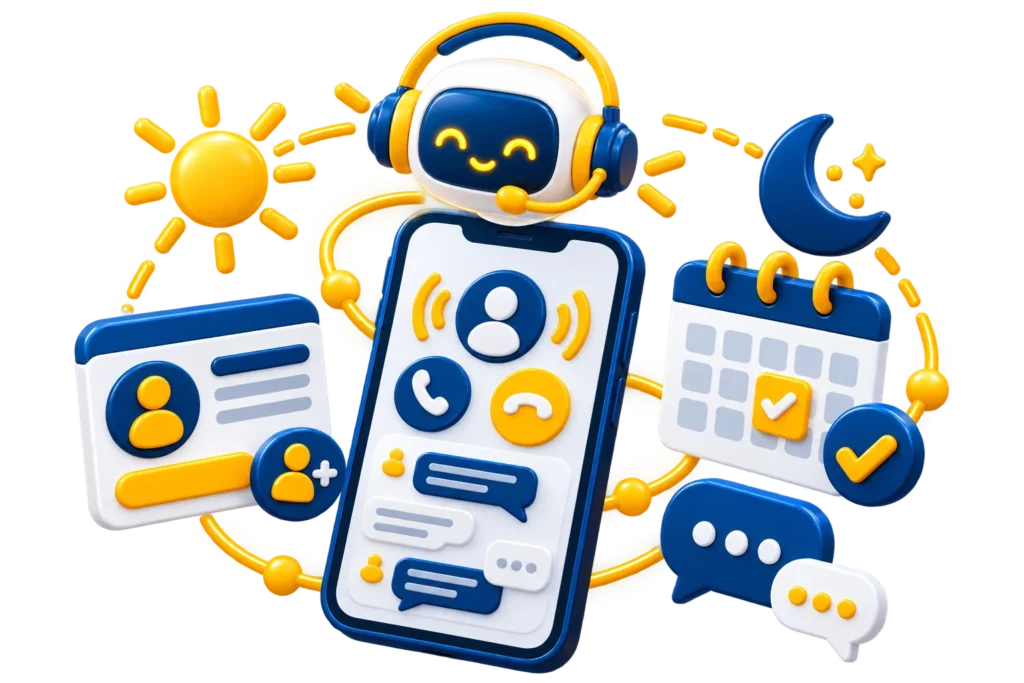
An AI receptionist combines conversational AI, telephony or messaging systems, business information and workflow automation to support selected front-desk tasks such as answering enquiries, capturing lead details, routing conversations and handling appointment requests.
The system can be configured to understand selected customer enquiries, use approved business information, collect relevant details and trigger the next step in a defined workflow.
Respond to selected routine customer questions using approved business information, predefined workflows and configured conversation rules.
Collect information such as name, contact details, service interest or enquiry context and pass it into a compatible lead-management workflow.
Direct selected enquiries to the appropriate person, department or next workflow step using business rules, enquiry type or other configured criteria.
Help collect appointment requirements and connect selected conversations with compatible booking or calendar workflows where integration access is available.
AI receptionist solutions can support selected front-desk and lead-handling tasks by combining conversational AI, call or messaging systems, business information and workflow automation configured around your existing process.
Support selected incoming calls with AI-assisted conversations configured around your approved business information, common enquiry types and call-handling rules.
Collect relevant enquiry details such as contact information, service interest and basic requirements to support more structured lead handling and qualification.
Help collect appointment details and connect selected requests with compatible calendar or booking workflows, subject to platform and integration availability.
Route selected conversations to a person, department or next workflow step using configured rules, enquiry type, business hours or other available criteria.
Help reduce repetitive enquiries by answering selected common questions using approved business information and configured knowledge sources.
Send selected enquiry details, call outcomes or lead information into compatible CRM workflows to help reduce repetitive manual data entry.
Trigger selected follow-up actions such as internal notifications, callback tasks, messages or CRM updates after an enquiry, subject to the connected systems.
Plan custom AI receptionist workflows around your call process, customer journey, CRM, booking tools, business rules and available integration access.
An AI receptionist can be most useful when it addresses specific communication and front-desk workflow problems. The right setup can support faster enquiry handling, more structured lead capture and better coordination between customer conversations and business systems.

Incoming calls or enquiries may wait when team members are unavailable or already handling other customer conversations.
Teams may repeatedly answer the same questions about services, availability, locations, processes or other routine information.
Contact details, service interest and enquiry context may need to be recorded manually after customer conversations.
Customers may be transferred manually or sent to the wrong department when routing depends only on a general reception process.
Staff may need to collect requirements, check availability and manually move appointment information between systems.
Enquiry details or call outcomes may remain separate from the CRM, requiring team members to update records manually.
Customers may contact the business when the appropriate team is unavailable to respond immediately.
Teams may repeatedly create callback reminders, internal notifications or follow-up messages after customer enquiries.
An AI receptionist workflow is typically configured to receive the enquiry, understand the request, capture or trigger the appropriate action and then route or record the interaction. The exact outcome depends on your business rules, connected systems, approved responses and integration access.
Step 1
The interaction begins when a customer reaches out through a supported channel such as phone, website enquiry flow, messaging system or a connected customer communication point.
Step 2
The system identifies the general purpose of the conversation such as a new enquiry, appointment request, service question, support request or another approved customer interaction type.
Step 3
Once the enquiry is understood, the workflow can collect relevant details or trigger a selected task such as creating a lead, starting an appointment process or preparing the next action.
Step 4
After the interaction is processed, it can be routed to the right person, stored in a connected system or handed to a human team member when the workflow requires live attention.
AI receptionist systems can be configured to support enquiry handling, customer communication, lead capture and workflow routing based on your business process. The exact feature set depends on your call setup, CRM, booking tools, approved business information and integration availability.
Supports more natural enquiry handling by guiding customers through approved conversation flows rather than relying only on rigid scripts.
Can be configured with your approved business information, service details, operating rules and frequently asked customer questions.
Helps collect structured details such as customer name, phone number, service interest or preferred contact information.
Can support appointment request handling and related workflows where booking systems or approved scheduling processes are available.
Conversations can be routed to the appropriate team or contact based on service type, timing, enquiry category or other workflow logic.
Where supported, enquiry details and conversation outcomes can be connected with compatible CRM workflows and lead management systems.
Can provide summarized conversation notes to help staff review the enquiry faster before continuing the interaction.
Helps trigger messages, reminders or internal tasks after an enquiry, depending on the connected systems and workflow rules.
Workflows can be configured differently for working hours, after-hours enquiries or other timing-based customer communication scenarios.
Multilingual capability may be available depending on the underlying platform, language support and the quality requirements of your workflow.
An AI receptionist can be connected with selected communication, customer-management and workflow tools so enquiry information can move through your existing business process. The exact integrations depend on the systems you use and the access available for each platform.
Connect supported phone or voice infrastructure for AI-assisted incoming call handling and routing workflows.
Send selected lead details, enquiry context or conversation outcomes into compatible customer-management workflows.
Support appointment-request workflows with compatible booking platforms, calendars and scheduling systems.
Connect selected website enquiries, forms and customer interaction points with receptionist and lead workflows.
Connect compatible messaging channels for selected customer communication, enquiry or follow-up workflows.
Trigger selected confirmation, notification or follow-up email workflows after supported customer interactions.
Coordinate multi-step workflows between compatible business applications using automation tools where appropriate.
Use available APIs to connect supported systems and build custom data or workflow connections where required.
AI receptionist workflows can support a range of customer communication, enquiry-handling and lead-management scenarios. The exact setup depends on your business process, customer journey, call or messaging platform, connected systems and integration availability.

Capture new customer enquiries, collect selected contact and service details, and move the information into the appropriate lead or follow-up workflow.
Collect appointment requirements and support compatible booking or calendar workflows based on your availability rules and connected scheduling systems.
Handle selected service-related enquiries, collect customer requirements and direct conversations to the appropriate team or next workflow step.
Respond to selected routine questions using approved information about services, business hours, processes, locations or other commonly requested details.
Collect relevant enquiry information before routing the conversation to sales, helping the receiving team understand the customer's requirement before continuing.
Collect selected enquiry details outside normal business hours, provide approved information where appropriate and create a follow-up or callback task for the team.
Collect callback details and create a selected task, notification or CRM action so the appropriate team member can continue the conversation.
Route selected customer enquiries to the appropriate branch, region, team or contact based on location information and configured business rules.
AI can handle selected structured enquiries, but complex, sensitive, unusual or high-value conversations may require human judgement. An AI receptionist can be configured to route those interactions according to your escalation rules and team structure.
Routine enquiries can often follow a predictable process: understand the request, answer approved questions, collect information and determine the appropriate next step.
Suitable enquiries can be passed to the sales team based on configured qualification criteria, availability and routing rules.
Questions outside the approved knowledge base or configured conversation flow can be directed to a human team member.
If an immediate transfer is unavailable or inappropriate, customer details can be collected for a later callback or follow-up task.
Enquiries can be directed toward sales, support, accounts, bookings or another team based on configured conversation categories and business rules.
Where supported, customer details, enquiry context or conversation summaries can be recorded so the receiving team has useful information before continuing.
DigiParter starts by understanding how your business currently handles customer enquiries. We map common call types and FAQs, identify where AI can support the process, connect suitable systems, configure routing and then test the workflow before launch.
Step 1
We review how enquiries currently reach your business, what customers commonly ask and how your team responds, routes or records those interactions.
Step 2
We identify which selected enquiries AI may handle, what information it should use and when the interaction should move to a human team member.
Step 3
We configure the receptionist workflow and connect supported communication, CRM, booking or automation systems where the required integration access is available.
Step 4
Before launch, we test planned enquiry scenarios, routing behaviour and connected workflows so the system can be reviewed and adjusted around the intended customer experience.
The goal is not to force every business into the same AI receptionist setup. DigiParter plans the workflow around how your team currently receives enquiries, answers common questions, captures leads, routes conversations and uses existing business systems.
AI receptionist technology works best when the conversation design, routing rules, business knowledge and connected systems reflect the actual way your organisation handles customer enquiries.
We start with your existing enquiry and reception process before deciding where AI, automation or system connections may be useful.
Conversation flows can be planned around your approved business information, common questions, lead requirements and preferred customer journey.
Where supported, receptionist workflows can connect with selected CRM, booking, communication and automation systems using available APIs and account permissions.
We plan where human involvement is appropriate and how selected conversations can be transferred, routed or converted into callback requests.
The implementation can consider both the technical workflow and the customer journey, including lead capture, qualification, routing and follow-up requirements.
After launch, workflows can be reviewed and adjusted as enquiry patterns, FAQs, routing needs, connected systems or business requirements change.
Pricing depends on call volume, conversation complexity, telephony provider, integrations, AI functionality, knowledge-base requirements and ongoing support. We scope the required workflow first and provide a custom quote based on the systems and level of automation involved.
Get a Free QuoteSuitable for businesses that want AI support for selected incoming enquiries, routine questions and structured information capture.
For businesses that want enquiry handling combined with lead capture, qualification, appointment workflows or connected follow-up actions.
Designed for more advanced receptionist workflows involving multiple enquiry types, routing paths, systems, locations or custom automation.
Specialist digital marketing for Canadian businesses in these sectors.
Explore selected projects we've built for businesses across websites, ecommerce and digital growth.
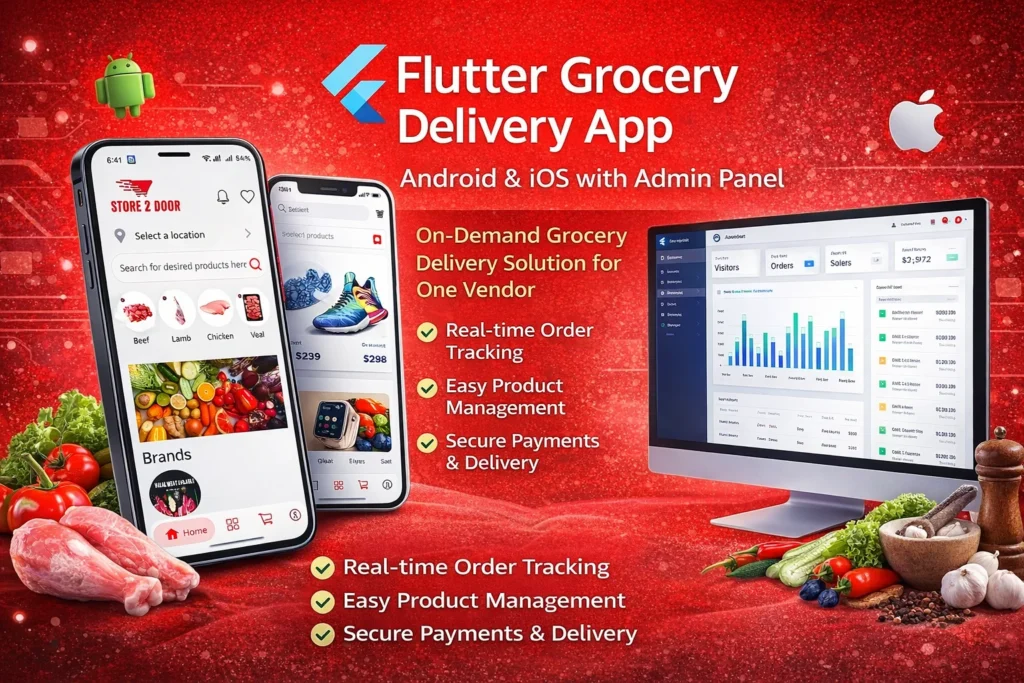
Developed a high-performance grocery and meat delivery Android app with real-time ordering, location tracking, and seamless checkout experience.
View Project — Store2Door Grocery Delivery Android App Built a smooth and user-friendly grocery delivery iOS app focused on fast performance, secure payments, and seamless user experience.
View Project — Store2Door Grocery Delivery iOS App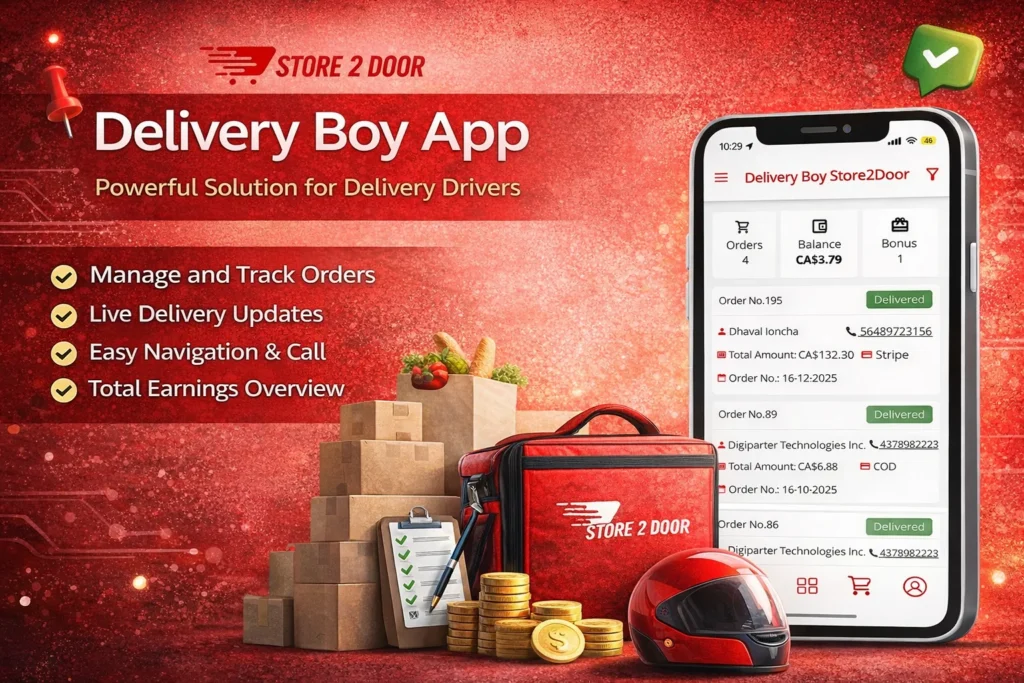
Created an Android delivery partner app with live order tracking, route navigation, and earnings dashboard for efficient deliveries.
View Project — Store2Door Delivery Partner Android App Developed a delivery driver iOS app with real-time updates, order management, and earnings tracking integrated with the admin system.
View Project — Store2Door Delivery Partner iOS App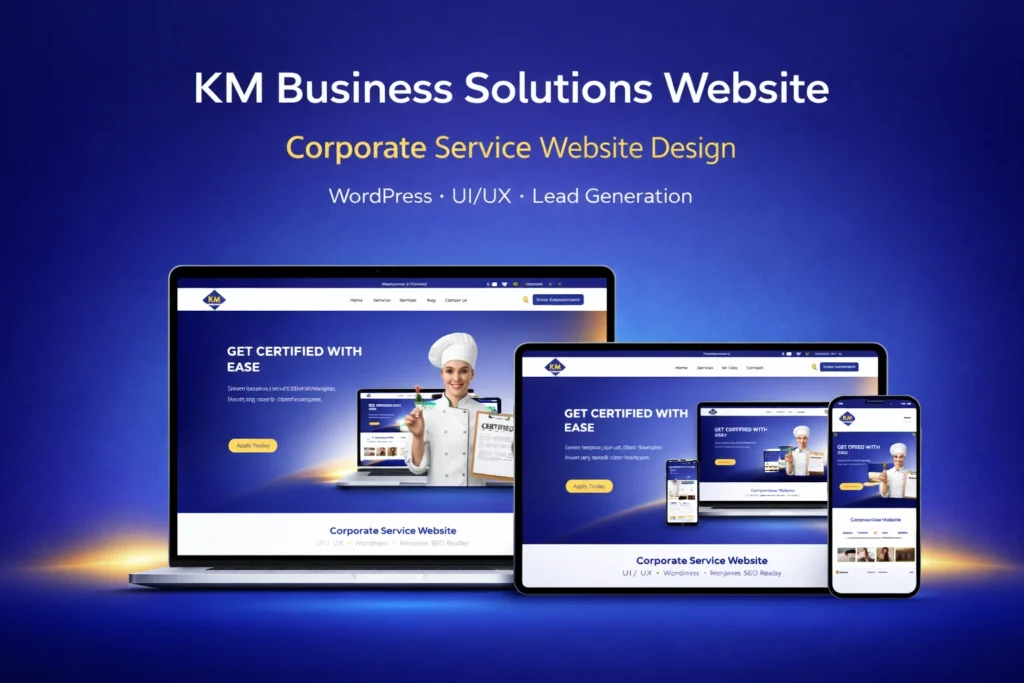
Built a custom WordPress site with a clean UI/UX, optimized for lead generation and business solutions.
View Project — KM Business Solutions WordPress Site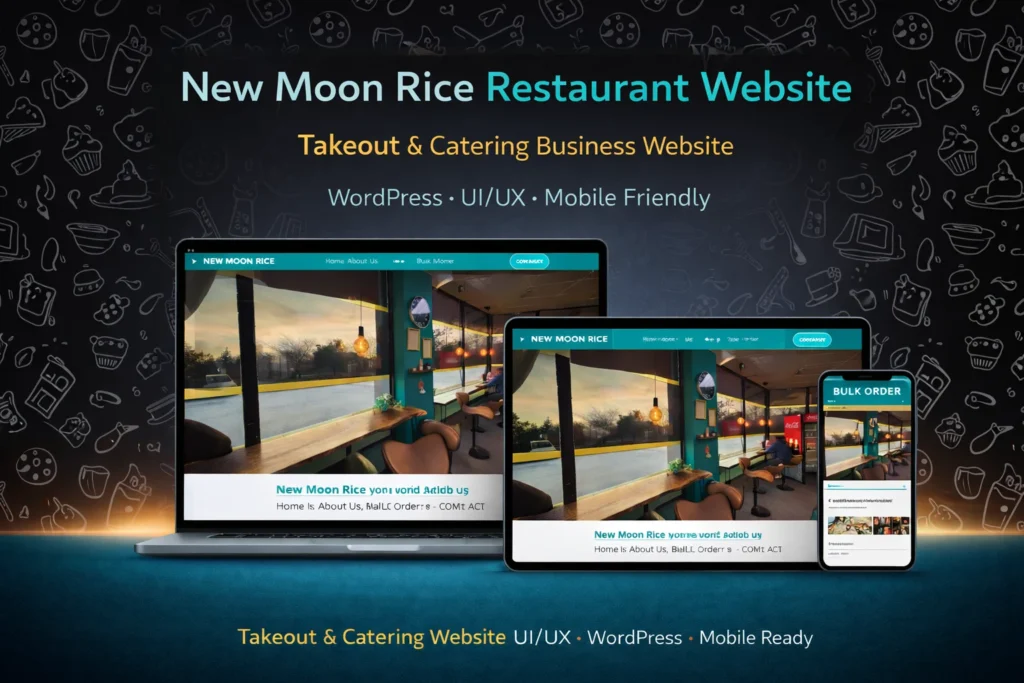
Developed a responsive WordPress site for the restaurant with integrated online ordering and menu features.
View Project — New Moonrice Restaurant WordPress SiteAn AI receptionist is a conversational system configured to support selected front-desk activities such as answering routine enquiries, collecting customer information, identifying the purpose of a call and routing or recording the interaction. The exact functionality depends on the communication platform, business knowledge, connected systems and workflow rules used for the implementation.
A typical workflow receives the customer interaction, identifies the enquiry type, uses approved business information and then follows configured rules for the next step. Depending on the setup, that may include answering a routine question, collecting lead details, starting an appointment workflow, updating a connected system or escalating the conversation to a person.
Yes, AI receptionist solutions can support incoming phone calls when implemented with a compatible telephony or voice platform. The available calling features depend on the provider, configuration, account access and project requirements.
It can support structured lead qualification by asking selected questions and collecting information such as contact details, service interest, location or other business-defined criteria. Qualification rules should be planned around your actual sales process rather than assuming every enquiry can be evaluated automatically.
Appointment workflows may be supported when the receptionist can connect with a compatible calendar or booking platform. Depending on the setup, it may collect appointment requirements, check available options or trigger the relevant booking workflow. Availability depends on the booking system, API access, permissions and the scheduling rules required by your business.
Call transfers and human escalation can be configured where the underlying telephony setup supports them. Routing rules may be based on enquiry type, department, business hours, location or other predefined criteria.
Compatible CRM integrations can allow selected customer details, lead information or conversation outcomes to be sent into your existing lead-management workflow. Integration feasibility depends on the CRM's API capabilities, account permissions, available connectors and the scope of the required workflow.
A receptionist workflow can be configured to handle selected enquiries outside normal business hours where the connected platform supports that setup. For example, it may provide approved information, collect lead details or create a callback request. The appropriate after-hours workflow depends on your business rules and escalation process.
It does not need to replace your human receptionist or customer service team. AI can be used for selected structured and repetitive interactions while complex, sensitive, unusual or high-value conversations can remain with your staff. The balance between AI and human support should be defined around your customer experience and business requirements.
This may be possible depending on your current phone provider, number configuration and the telephony platform used for the AI receptionist. Options can include routing or forwarding calls, using supported telephony integrations or configuring another suitable setup. Your existing phone environment should be reviewed before implementation.
Pricing depends on factors such as call volume, conversation complexity, telephony provider, integrations, AI functionality, knowledge-base requirements and ongoing support. DigiParter provides a custom quote after reviewing the required workflow. Telephony, AI usage, phone-number, API or other third-party platform charges may be separate.
Implementation time varies according to conversation complexity, the number of workflows, business knowledge preparation, telephony configuration, integrations, testing requirements and access to the required accounts or APIs. A focused enquiry-handling workflow may require less setup than a system involving multiple departments, booking flows, CRM connections or custom automation. The implementation timeline can be estimated after workflow discovery.
Tell us what you want to improve. Whether you need a website, marketing support or an AI-powered business system, we'll help you identify the right solution and next steps.
Share your goals, current challenges and requirements. Our team will understand your business and recommend the right digital, marketing or AI solution.
Not sure which service you need?Tell us what you want to improve and we'll help you identify the most suitable solution.
Here is what happens next: