
How an AI Receptionist Helps Small Businesses Stop Missing Calls
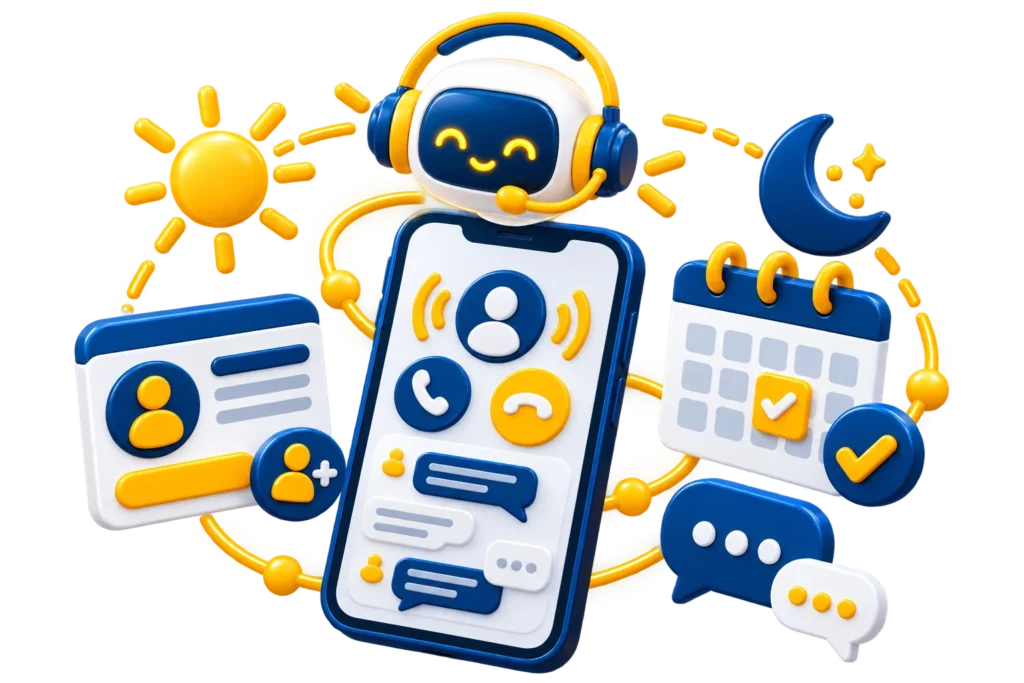
For many small businesses, the phone is still where the most valuable enquiries arrive. But calls come in while you are with a client, on a job site, driving or closed for the night. When nobody answers, many callers simply try the next business on the list.
An AI receptionist is one way to make sure every call is answered, without hiring a full-time person to sit by the phone.
What is an AI receptionist?
An AI receptionist is a voice assistant that answers your business phone line in natural conversation. It uses information you approve, such as your services, hours, locations and policies, to answer common questions. It can also take messages, book appointments and pass urgent calls to a person.
After each call, you receive a summary by text or email, so you know who called, why and what happens next.
What it can handle
- Answering common questions about hours, location, services and pricing ranges you approve.
- Capturing the caller’s name, number and reason for calling.
- Booking, confirming or rescheduling appointments through your calendar.
- Asking qualifying questions before passing a lead to your team.
- Transferring urgent or complex calls to a real person.
- Sending call summaries to your phone, email or CRM.
What it should not handle
AI works best for clear, repeatable conversations. It should not give medical, legal or financial advice, make decisions that need human judgement, or handle sensitive complaints alone. A well-designed AI receptionist knows its limits and hands the caller to a person, or takes a detailed message, whenever a call goes beyond what it should answer.
Which businesses benefit most?
- Clinics and wellness practices that miss calls while treating patients.
- Contractors and home service businesses working on job sites.
- Real estate teams receiving buyer and seller calls at all hours.
- Salons and spas where staff are busy with clients.
- Professional firms that want after-hours intake.
- Restaurants handling reservation and hours questions during service.
How to set one up well
- List the questions callers ask most often, and write clear, approved answers.
- Decide which calls must always go to a person, and when.
- Connect your calendar and CRM so bookings and leads land in the right place.
- Test it with real scenarios before going live, including difficult ones.
- Tell callers they are speaking with an AI assistant.
- Review call summaries regularly and improve answers over time.
Privacy and trust in Canada
An AI receptionist collects personal information, so it should be set up with Canadian privacy principles under PIPEDA, and any provincial rules that apply to you, in mind. Collect only what you need, explain how it is used, store it securely and limit who can access it. Healthcare practices should take extra care and avoid collecting health details over the phone unless their systems and policies support it.
Is an AI receptionist worth it?
The best way to decide is to look at your own calls. How many go unanswered, especially after hours? What is one new customer worth to your business? For many businesses, a sensible first step is to use AI only for after-hours and overflow calls, then expand once you are comfortable with the results.
Frequently asked questions
Will callers know they are speaking with AI?
They should. We recommend a short, friendly introduction that says the caller is speaking with an AI assistant and that a person is available when needed.
Can an AI receptionist book appointments?
Yes, when it is connected to your calendar or booking system. It can offer available times, confirm the booking and send reminders.
Do I need to change my phone number?
Usually not. Calls can be forwarded to the AI receptionist from your existing number, either all the time, after hours or only when your team does not answer.
Learn more about our AI receptionist solutions, or explore other ways to save time with AI business automation.